7 Best AI SOP Generators for Small Businesses in 2026

If you run a small business, you already know the feeling. Someone quits, and suddenly nobody remembers exactly how the Friday invoicing routine works. A new hire joins, and you end up repeating the same explanation for the third time this month. This is the exact gap a good SOP generator is built to close, and it’s why so many owners are searching for the best AI SOP generator for small business use right now.
Writing SOPs by hand used to mean blocking out an afternoon, opening a blank Google Doc, and trying to remember every click, exception, and “oh wait, don’t forget this part” that lives in your head. AI SOP tools flip that process. You record yourself doing the task or describe it in plain language, and the software drafts the document for you: steps, screenshots, structure, and sometimes even a quiz to check that your team actually understood it.
Choosing the best AI SOP generator for small business needs isn’t about picking the tool with the most features—it’s about picking the one that matches how your team actually works. We compared seven tools that come up again and again when small teams search for the best AI SOP generator for small business operations, evaluating each one on ease of use, how much the AI actually writes versus how much you still have to type, whether they capture your screen automatically, how well teams can collaborate inside them, pricing at small-team scale, and how quickly a non-technical owner could actually get value out of them. The short version: if you want fast, visual capture of software workflows, start with Scribe. If you want SOPs plus onboarding and training in one place, Waybook and Trainual are worth a look. If you just want simple, no-fuss documentation, SweetProcess gets the job done without a learning curve.
Quick Answer: Best AI SOP Generators for Small Businesses
Here’s the short list if you want the best AI SOP generator for small business use without reading the full breakdown:
- Scribe — Best Overall for Visual SOPs
- Waybook — Best for SOPs + Employee Training
- SweetProcess — Best for Simple Process Documentation
- Trainual—Best for Employee Onboarding
- Whale—Best for AI-Powered Knowledge Management
- Process Street — Best for Workflow Automation
- Guidde—Best for Video SOPs
Quick Comparison Table
| Tool | Best For | AI SOP Creation | Screen Capture | Team Training | Starting Price (small team) |
|---|---|---|---|---|---|
| Scribe | Visual step-by-step SOPs | Yes. | Yes. | Limited | Free; paid from $13–15/seat/month |
| Waybook | SOPs + training | Yes. | Yes. | Yes. | From $99/month (20 seats) |
| SweetProcess | Simple documentation | Yes. | No | Yes. | $99/month (up to 10 users) |
| Trainual | Onboarding & training | Yes. | Limited | Yes. | Reportedly from ~$249/month |
| Whale | Knowledge management | Yes. | Yes. | Yes. | Free plan; paid from ~$40/month |
| Process Street | Workflow automation | Partial | No | Yes. | Free plan; paid from ~$25/user/month |
| Guide | Video SOPs | Yes. | Yes. | Limited | Free plan; paid from $23/creator/month |
Pricing changes often, so double-check the current numbers on each vendor’s site before you commit—official pricing links are included in each tool’s section below. What’s shown reflects publicly listed pricing as of mid-2026.
What Is an AI SOP Generator?
An SOP, or standard operating procedure, is just a written set of steps that tells someone how to do a task the same way every time. An AI SOP generator automates the boring part of writing one. Most tools work by watching you perform the task—through a browser extension or desktop recorder—and then turning those clicks into a structured document with screenshots and instructions attached to each step. Some let you skip the recording entirely and just describe the process in a sentence or two; the AI drafts the full procedure from there.
Once the draft exists, you edit it, add exceptions and edge cases, assign an owner, and share it with your team. The better tools in this category also handle version history, so when a process changes, you update it once instead of hunting down five different copies floating around in Slack and Google Drive. This is really just one piece of a bigger shift—most small teams that automate repetitive business tasks end up documenting those tasks as SOPs along the way, since the two habits reinforce each other.
AI SOP Generator vs. Traditional SOP Software
Traditional SOP software is basically a fancy word processor with folders. You still type every step manually. An AI SOP generator does the first draft for you and usually adds structure automatically—numbered steps, screenshots, and a consistent format—so what used to take an hour takes ten minutes. That speed is the whole reason this category has grown so fast among small teams that don’t have a dedicated ops person.
How We Chose the Best AI SOP Generators for Small Businesses
We evaluated tools based on seven things that actually matter to a small business owner, not a Fortune 500 IT department:
Ease of use. Can you sit down and produce a usable SOP in your first ten minutes, with zero training?
AI generation quality. How much of the document does the AI actually write, and how much editing does it need afterward?
Screen and workflow capture. Does it document the process automatically while your team performs it, or do you still have to type everything from memory?
Editing and customization. Can you tweak steps, swap screenshots, add your logo, and assign roles without fighting the editor?
Team collaboration. Sharing links, comments, permissions, and the ability to assign specific documents to specific people.
Employee training. Quizzes, read receipts, and onboarding flows that confirm someone actually absorbed the SOP instead of just opening it and closing the tab.
Pricing and value. Whether a five- or ten-person team gets real value for what they’re paying, not enterprise features they’ll never touch.
7 Best AI SOP Generators for Small Businesses in 2026
1. Scribe—Best Overall for Visual SOPs
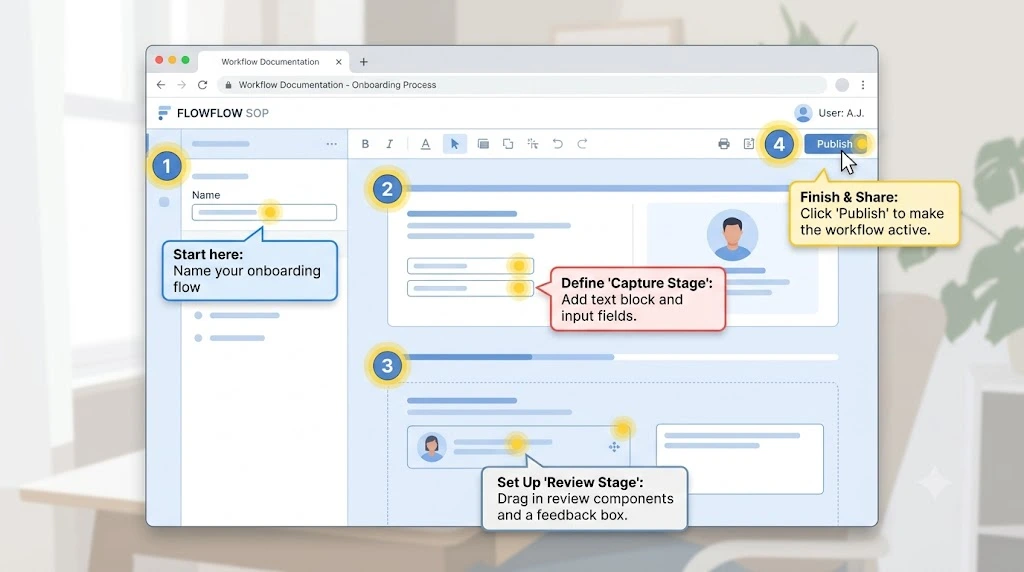
Scribe is a browser extension that records your clicks and turns them into a step-by-step guide with annotated screenshots. Install it, click record, do the task once, and you have a finished visual SOP without typing a single instruction manually.
What we like: Genuinely zero learning curve. The free plan is generous enough for solo founders. Redaction tools automatically blur sensitive data in screenshots, which matters if your workflows touch client information.
Where it falls short: It’s built for software-based workflows, so it’s less useful for documenting physical, in-person tasks. There’s no built-in training or quiz layer, and per-seat pricing adds up once you’re past four or five people.
Pricing: Free for basic browser capture. Paid plans run roughly $13–29 per seat per month depending on the tier, with a five-seat minimum on the team plan. (See Scribe’s current pricing.)
Best for: Solo founders and small teams whose main pain point is documenting how to use software—CRMs, dashboards, and internal tools—quickly and visually.
Verdict: If your team’s biggest headache is “how do I explain this software process without writing a novel,” Scribe solves it faster than almost anything else on this list, which is exactly why it tops most searches for the best AI SOP generator for small business teams that live inside a browser all day.
2. Waybook — Best for SOPs and Employee Training
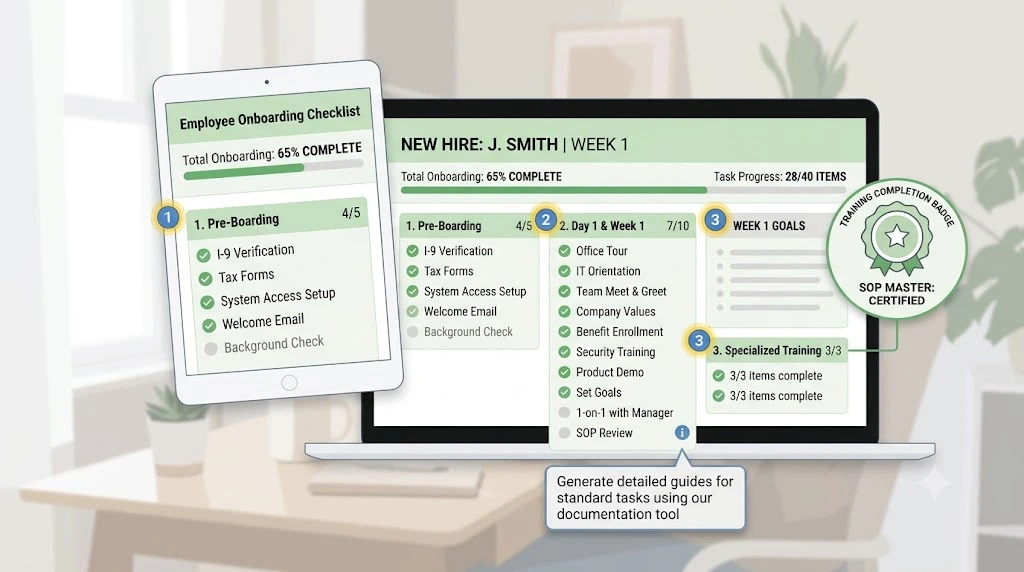
Waybook combines SOP creation with structured onboarding and training, all in one system. Its AI content writer drafts full SOPs from a short prompt, and a feature called Waybook Shots handles the screen-capture side, similar to what Scribe does, but the output plugs directly into a searchable knowledge base with ownership and version tracking attached.
What we like: Flat monthly pricing instead of per-seat billing, so a 20-person team pays the same as a five-person team. Read receipts and quizzes let you actually confirm training happened, not just that a document was opened.
Where it falls short: More setup than a pure capture tool like Scribe. If all you want is quick screenshots, this is more structure than you need.
Pricing: The Core plan starts around $99/month flat for 20 team members; the Pro plan runs about $198/month for 20 users, with extra seats billed separately. (See Waybook’s current pricing.)
Best for: Growing service businesses—clinics, agencies, and franchises—that need SOPs and onboarding to live in the same place.
Verdict: For a small team that’s outgrowing scattered Google Docs and wants documentation, training, and accountability under one roof, Waybook is consistently one of the better answers to the best AI SOP generator for small business questions, especially once you’re past ten employees.
3. SweetProcess—Best for Simple Process Documentation
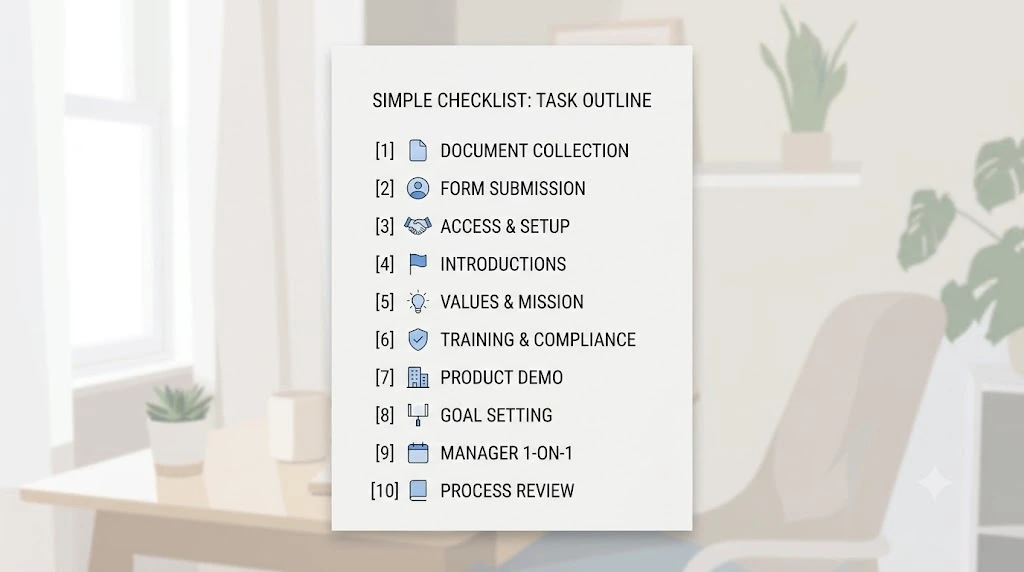
SweetProcess keeps things deliberately simple. It’s a documentation-first tool where every user gets every feature at the same flat price—no tiers, no gated functionality. SweetAI helps draft procedures automatically, and the platform is built around clear, linear step-by-step documents rather than complex branching workflows.
What we like: One flat price for the whole platform, so there’s no guessing which features you’re missing. A 30-day money-back guarantee and a 14-day free trial with no credit card required make it low-risk to test.
Where it falls short: No automatic screen capture, so you’re typing steps manually or importing existing documents. It also doesn’t support conditional logic for workflows that branch based on different scenarios.
Pricing: $99/month flat for up to 10 users, with each additional user adding $5/month. Annual billing brings the effective monthly cost down. (See SweetProcess’s current pricing.)
Best for: Small teams that want straightforward, no-frills SOP and policy documentation without a steep learning curve.
Verdict: SweetProcess won’t wow you with automation, but for teams that just need clear, well-organized procedures without complexity, it’s a dependable, fairly priced pick.
4. Trainual—Best for Employee Onboarding
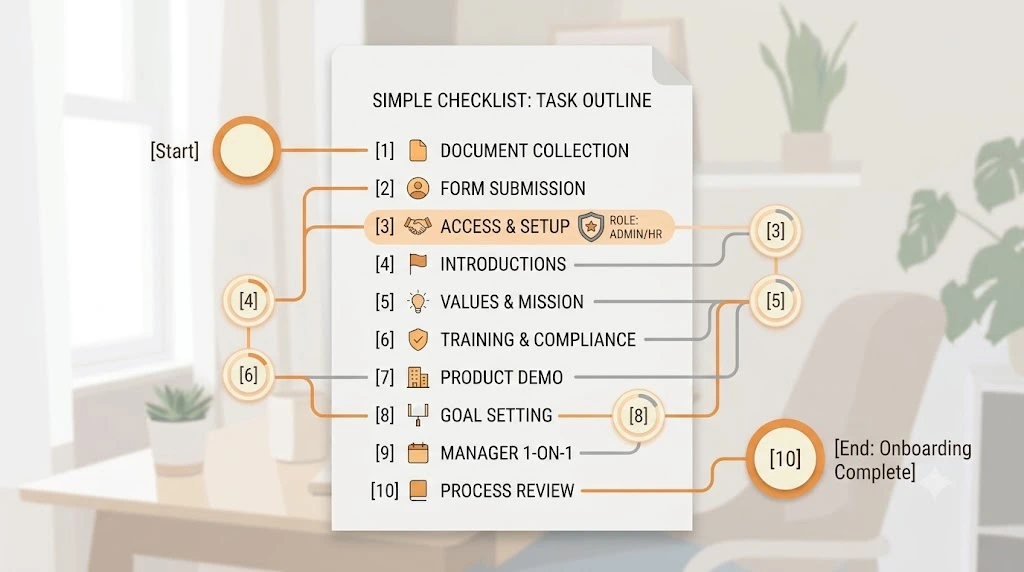
Trainual leans hardest into onboarding and training rather than pure SOP creation. Documents combine text, screenshots, and video, and every piece of content can be tied to a quiz, a role, and a due date, so new hires move through a structured learning path instead of a pile of documents.
What we like: Org charts and role-based assignments make it easy to see exactly who’s responsible for what. Strong for businesses that hire frequently and need a repeatable onboarding process.
Where it falls short: Trainual doesn’t publish its pricing publicly, which makes budgeting harder up front, and third-party reports put the entry cost noticeably above most competitors on this list, sometimes with an additional one-time setup fee.
Pricing: Not publicly listed; independently reported figures suggest a few hundred dollars a month for a small team, so get a quote before assuming it fits your budget. (Check Trainual’s pricing page.)
Best for: Growing businesses where onboarding new hires quickly and consistently matters more than pure SOP volume.
Verdict: If training and accountability are your priority over raw documentation speed, Trainual is a strong option, though it’s worth comparing quotes since it tends to sit at a higher price point than the others here.
5. Whale—Best for AI-Powered Knowledge Management
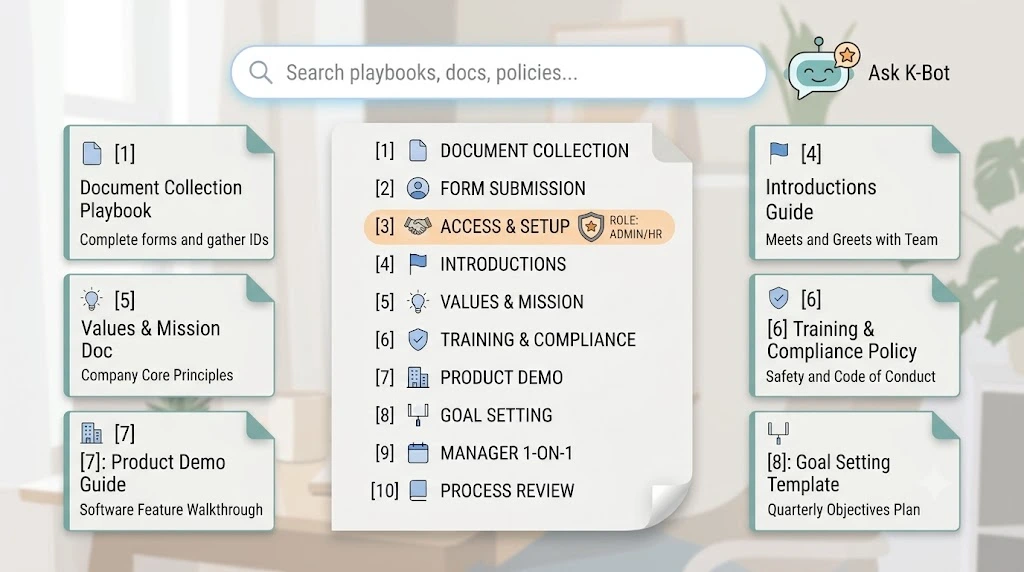
Whale centers on an AI assistant (branded “Alice”) that answers employee questions directly from your documented SOPs, plus a step recorder for capturing processes and AI-generated quizzes to test comprehension. It’s built for teams that want one searchable hub for every process, policy, and playbook.
What we like: A genuinely usable free plan for up to five users, which is rare in this category. The AI chat layer means employees can ask a question in plain language instead of digging through folders.
Where it falls short: Some reviewers note the jump between plan tiers can be steep once you need advanced AI features, and the free plan’s limits will feel tight once you’re past five people.
Pricing: Free for up to five users; paid plans start around $40/month and scale up from there depending on team size and AI usage. (See Whale’s current pricing.)
Best for: Small teams that want their SOPs to double as a searchable internal help desk.
Verdict: Whale is worth shortlisting if your team keeps asking the same repetitive questions and you want an AI layer sitting on top of your documentation to answer them automatically.
6. Process Street — Best for Workflow Automation
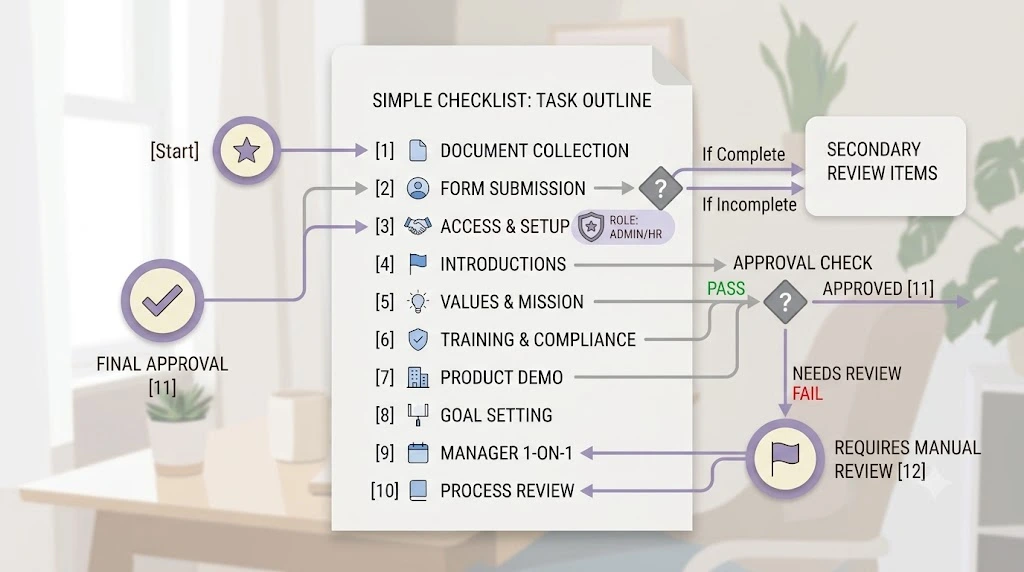
Process Street treats SOPs less like static documents and more like workflows you actually run. Checklists can include conditional logic, approval steps, and form fields, so a process doesn’t just describe what to do—it enforces it, with an audit trail showing who did what and when. If routing and reminders matter more to you than the document itself, it’s worth reading how to automate task assignment and reminders alongside your SOPs, since the two work best together.
What we like: Strong fit for compliance-heavy small businesses that need proof a process was followed, not just documented. Solid integrations with tools like Slack and Google Sheets.
Where it falls short: Pricing has crept upmarket in recent updates, and setup for conditional logic takes more time than a simple checklist tool.
Pricing: A free plan covers small teams; paid plans generally start around $25 per user per month, with higher compliance-focused tiers priced well above that. (See Process Street’s current pricing.)
Best for: Operations-heavy small businesses—think regulated industries, agencies with client sign-offs, or teams that need approval chains built into the process itself.
Verdict: If your SOPs need to actually run as tracked, enforced workflows rather than sit as reference documents, Process Street earns its place among the best AI SOP generators for small business options for operationally complex teams.
7. Guided—Best for Video SOPs
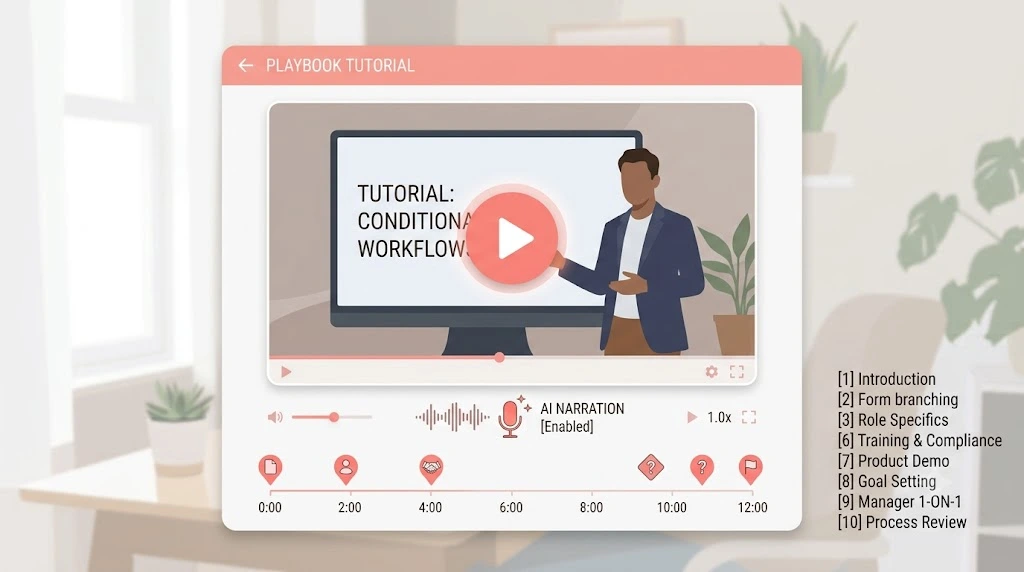
Guidde records your workflow and turns it into a polished video SOP, complete with AI-generated voiceover in dozens of languages, automatic captions, and a written step-by-step guide produced from the same recording. It’s the closest thing on this list to a one-click video production studio.
What we like: You get both a video and a text document from a single recording, which is genuinely useful for teams with a mix of readers and watchers. The AI voiceover means nobody has to record narration themselves.
Where it falls short: Free plan features (like AI voiceover) are limited, and the more advanced privacy and branding tools sit behind the higher-priced business tier.
Pricing: The free plan includes a limited number of videos; Pro starts around $23 per creator per month, with Business around $50 per creator per month. (See Guidde’s current pricing.)
Best for: Teams onboarding remote or frontline staff who respond better to a short video than a wall of text.
Verdict: For businesses where a two-minute video genuinely beats a page of instructions, Guidde is the strongest video-first pick in this roundup.
Which AI SOP Generator Is Best for Your Small Business?
| If You Need… | Choose |
|---|---|
| Fast visual SOP creation | Scribe |
| SOPs + employee training | Waybook |
| Straightforward written processes | SweetProcess |
| Structured onboarding | Trainual |
| SOP + searchable company knowledge | Whale |
| Workflow automation with approvals | Process Street |
| Video-based instructions | Guide |
If you’re comparing the best AI SOP generator for small business shortlists across different roundups, you’ll notice these seven names keep repeating for good reason—they’re the ones that actually deliver on the AI part instead of just being a document editor with a new coat of paint. There isn’t a single winner that beats every other tool on every criterion—the right pick depends on whether your biggest bottleneck is creating documentation in the first place, training people once it exists, automating how it runs, or making it easy to watch instead of read.
Free vs. Paid AI SOP Generators: Which Should You Choose?
When a Free Plan Is Enough
If you’re a solo founder or a team of two or three, a free tier from Scribe, Whale, or Guidde will probably cover you for months. You’re not managing complex permissions yet, and you’re documenting processes occasionally rather than constantly.
When Paying Makes Sense
Once you’re hiring regularly, splitting responsibilities across departments, or needing to prove that training actually happened—for compliance, insurance, or franchise reasons—a paid plan earns its cost quickly. Version control, role-based permissions, and training verification stop being nice-to-haves and start being the reason new hires don’t quietly do things the wrong way. This is also usually the point where documented SOPs start paying for themselves as part of a bigger goal: learning how to scale a small business without increasing costs rather than adding headcount for every new problem.
A Quick Example: What This Looks Like in Practice
For example, imagine a ten-person home services company—plumbing, HVAC, or something with a dispatch team and a rotating crew of technicians. Every time someone new joined, the office manager would spend the better part of a week walking them through scheduling software, invoicing steps, and how to handle a cancellation call. None of it was written down; it lived in her head and got repeated, slightly differently, every single time.
Now suppose she picks a tool from this list, records herself doing the five most common tasks over a single afternoon, and has rough SOPs by the next morning. The likely payoff shows up a couple of months later: a new hire can run the cancellation process correctly on day one, without a single phone call to the office manager. That’s the actual return an SOP generator is built to deliver—not the document itself, but the hours it gets back from the person who used to be the only one who knew how things worked.
How to Create an SOP With an AI SOP Generator
Step 1: Choose the process. Start with something you explain often—a customer refund process is a good first pick because everyone eventually needs it.
Step 2: Record or describe the workflow. Turn on the recorder and perform the task normally, or type a short description if your tool works from prompts instead.
Step 3: Let AI generate the SOP. Most tools produce a full draft within seconds to a couple of minutes.
Step 4: Review the steps. Read through it as if you’d never done the task before. Anything confusing gets rewritten now.
Step 5: Add screenshots, responsibilities, and exceptions. Note who owns the process and what to do when something doesn’t go as planned.
Step 6: Share it with your team. Assign it to the people who need it, not the whole company by default.
Step 7: Review and update regularly. Set a reminder every quarter to check whether the process still matches reality.
Standardizing workflows like this is one piece of a bigger playbook—if you want the fuller picture, our guide to business automation strategies walks through ten ways to build repeatable systems across the rest of your operation, not just documentation.
Whatever you choose, the goal of any AI SOP generator for small business use is the same: get what’s in your head onto paper before you forget it, or before the one person who knows the process leaves.
What to Look for in AI SOP Software
- Easy process capture—can it document a workflow without heavy manual typing?
- AI writing quality—does the first draft actually need minimal editing?
- Screenshot and video support—does it match how your team prefers to learn?
- Templates—a head start beats a blank page every time.
- Integrations—Slack, Google Drive, and your existing tools should connect cleanly.
- Team permissions—not everyone needs to edit every document.
- Version control—one source of truth, not five outdated copies.
- Export options—PDF, HTML, or Markdown, depending on where your team actually reads things.
- Security and privacy—especially important if your SOPs touch client or financial data.
- Pricing that scales with your team—flat pricing helps small teams, but per-seat pricing can punish growth.
Common Mistakes When Using AI to Create SOPs
- Publishing AI-generated SOPs without a human actually reading them first
- Making a five-step process sound like a fifteen-step compliance manual
- Ignoring the exceptions and edge cases that actually cause confusion
- Writing a document with no clear owner responsible for keeping it current
- Creating SOPs but never actually training anyone on them
- Letting SOPs go stale after a process changes
- Buying an enterprise-grade platform when a $99/month tool would have covered everything you need
Final Verdict—What Is the Best AI SOP Generator for Small Businesses?
There’s no universal winner here, and any list that claims otherwise is oversimplifying. Scribe is the fastest way to capture visual, software-based workflows. Waybook is the strongest pick when you want SOPs and structured training under one roof. SweetProcess is the simplest, most predictable option if you just want clean documentation without extra complexity. Process Street is better when your priority is enforcing a workflow, not just describing it. Guidde wins when video genuinely beats text for your team.
The honest answer to “what’s the best AI SOP generator for small business use” comes down to your actual bottleneck: are you failing to create SOPs at all, failing to keep them updated, failing to train people on them, or failing to automate the process behind them? Match the tool to that specific problem, not to whichever name shows up first in a Google search.
Frequently Asked Questions
What is the best AI SOP generator for small businesses? There’s no single best AI SOP generator for small businesses across the board—it depends on your priority. Scribe is the fastest for visual, software-based SOPs, Waybook is the strongest all-around pick if you also want training and onboarding built in, and SweetProcess is the simplest option if you just want clean written documentation.
Can AI create standard operating procedures? Yes. Tools in this category can record a workflow and turn it into a structured document automatically or generate a draft from a written prompt describing the process. You’ll still want to review and edit before sharing it with your team.
Is there a free AI SOP generator? Several tools on this list, including Scribe, Whale, and Guidde, offer usable free plans for small teams, though features like desktop capture, exports, and AI voiceover are usually reserved for paid tiers.
What is the easiest SOP software for a small business? Scribe and SweetProcess both have a genuinely short learning curve. Scribe wins on speed for software workflows; SweetProcess wins on simplicity for general written procedures.
Can ChatGPT create SOPs? It can help you draft the text of an SOP if you describe the process in detail, but it can’t automatically record your screen or generate screenshots the way a purpose-built SOP generator can. For teams documenting a lot of visual, software-based tasks, a dedicated tool will save more time.
What is the difference between an AI SOP generator and SOP software? Traditional SOP software is essentially a structured document editor—you type everything yourself. An AI SOP generator automates the first draft, often by capturing your screen as you work, so you spend your time editing instead of writing from scratch.
Are AI-generated SOPs reliable? The structure and formatting are reliable. The content still needs a human review, since the AI documents what it sees, not what should happen when something goes wrong. Always read through an AI-generated SOP before publishing it.
How often should a small business update its SOPs? A quarterly review is a reasonable default for most small teams. Update immediately any time a tool, vendor, or process actually changes—an outdated SOP is often worse than having no SOP at all, because people trust it and follow it anyway.